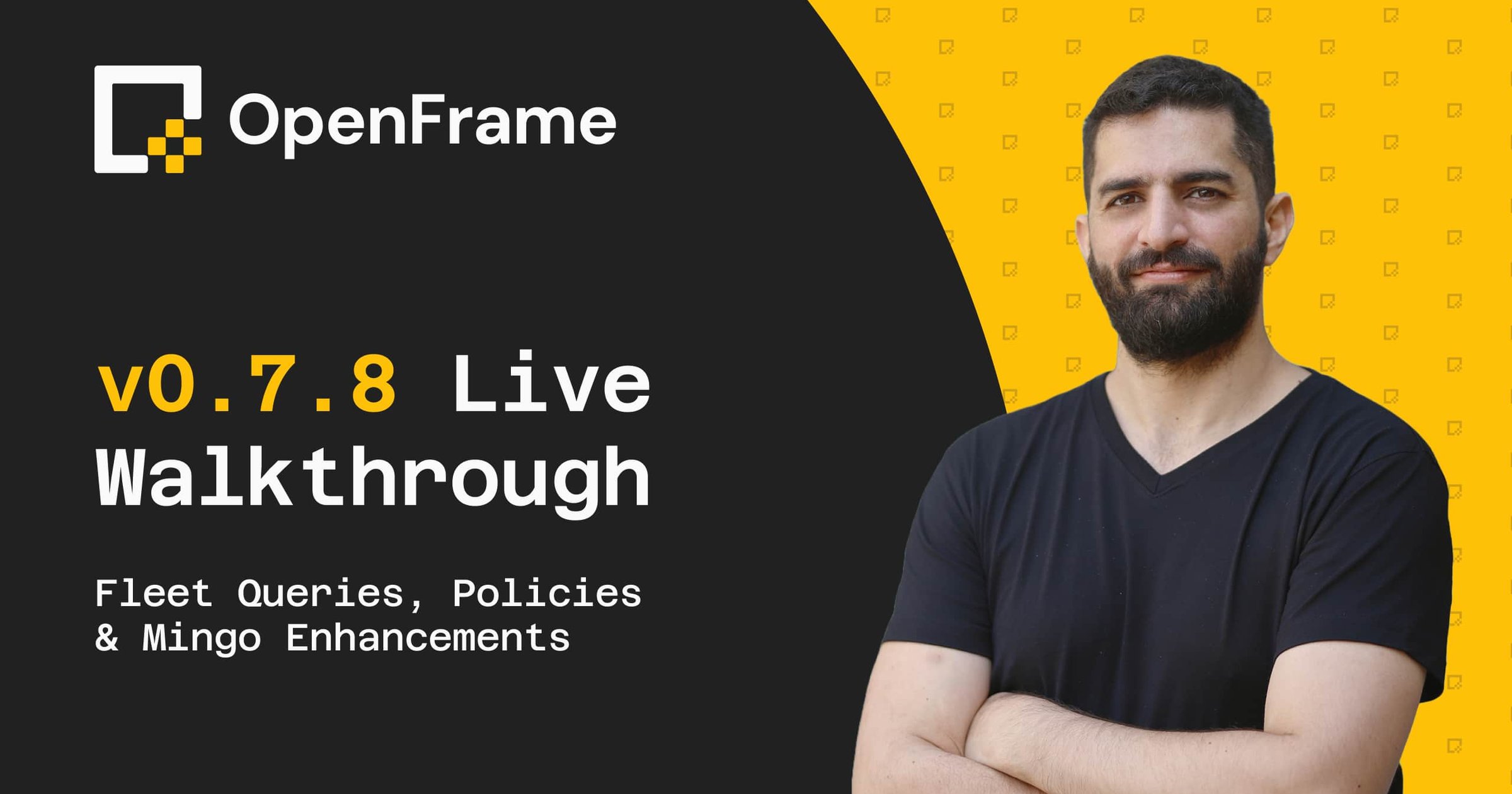
OpenFrame v0.7.8 Walkthrough: Live Demo

Presenters:
Vlad Marchenko
Michael Assraf
Wednesday 1 April
20:00
4:00 PM · 56m
America/New_York

You signed up for OpenFrame. A lot has changed since then.v0.7.8 is our biggest release yet and Michael Assraf (CEO) is going live to walk through the entire platform so you can see exactly what you're getting into before you deploy.Here's what you'll see:🖥️ Full Platform Walkthrough: See the entire OpenFrame stack in action, from device management and remote access to monitoring, alerting, and AI copilots.📋 Fleet Queries & Policies: The biggest addition in v0.7.8. Set policies across your fleet, query device state at scale, and manage everything through FleetMDM.🔔 Monitoring & Alerts System: Real-time device monitoring, automated alerting, patch management, and reporting dashboards. Complete visibility across your managed endpoints.🤖 Smarter Mingo: Adaptive command timeouts, execution conflict prevention, and overall faster AI interactions. See what's changed live.🍎 Mac Improvements: Scheduled scripts with cron support, bi-directional clipboard in remote sessions, and self-update support for Fae and MeshAgent.Plus a live Q&A at the end. Bring your questions... and popcornStick around after the session and we'll get you set up with beta access if you still don't have it. 👉 Join our Community: https://openmsp.slack.com/ssb/redirect 👉 More on OpenFrame: https://www.flamingo.run/openframe

AI INTEGRATIONMSPOPEN SOURCEOPENFRAMEPLATFORM UPDATES
OpenFrame v0.7.8 Walkthrough: Live Demo
Past Event

Related Content

Webinars

Podcasts

Case Studies

Events

Blog Posts

Onboarding Guides

Frequently Asked Questions

About OpenFrame

OpenFrame isn't built to plug into your stack. It replaces it. Instead of duct-taping a dozen tools together (RMM, MDM, SIEM, patching, remote access, each its own login and bill), we bundle it into one unified platform: RMM, MDM, monitoring, automation, remote access, patch management, security monitoring, and ticketing, plus built-in AI copilots. So "does it integrate with X?" usually means: you won't need X anymore.
Most platforms give you one piece and expect you to bolt the rest on. OpenFrame unifies the whole stack in one place, with AI copilots built in. Fewer logins, fewer bills, less duct tape.
Both. It's built for MSPs and MSSPs alike.
In the cloud, on US soil. Your data stays stateside.

MSP AI Agents

Yes. In production MSP shops today, 10% to 25% of tickets close before a human opens them. Thread alone has processed 173 million tickets across 750-plus MSP partners at 96% triage accuracy, handing back 490,000-plus technician hours. Agents own the low-risk, high-volume work (password resets, MFA enrollment, known installs, onboarding and offboarding) and flag anything that touches production data or needs judgment for a human to take.
On a five-person desk, reported deployments show $78,000 to $130,000 in annual direct labor savings, roughly 30% fewer escalations, and 15% to 20% better SLA compliance. Broader MSP adoption data adds ticket handling time cut by 45% and five to 12 points of margin, all from reclaimed capacity rather than headcount cuts.

AI MSP

MSPs use AI to triage and route tickets, cut alert noise, schedule patches, assist L1 security work, and draft client reports. Kaseya's 2025 benchmark found 30% already use it to eliminate tedious tasks, with ticket triage the most common starting point.
Most MSPs start with AI features inside their existing PSA, RMM, and ticketing systems rather than standalone products. Common categories include AI ticket triage, alert correlation, scripting assistants, and AI-native all-in-one platforms like OpenFrame that run intelligence across the whole stack.
Start with a readiness assessment, not a tool purchase. Confirm your ticket history is clean and your RMM, PSA, and monitoring systems connect. Then pick one high-volume, low-risk workflow, usually ticket triage, and pilot it on internal tickets before any client sees it.
Automate high-volume, low-risk tasks first. Ticket triage and alert noise reduction top the list because they run constantly and a human still resolves the underlying issue. Save security approvals, billing changes, and client-facing actions for later, always with a human in the loop.