
Smart Office IT Requirements: What to Ask Your MSP

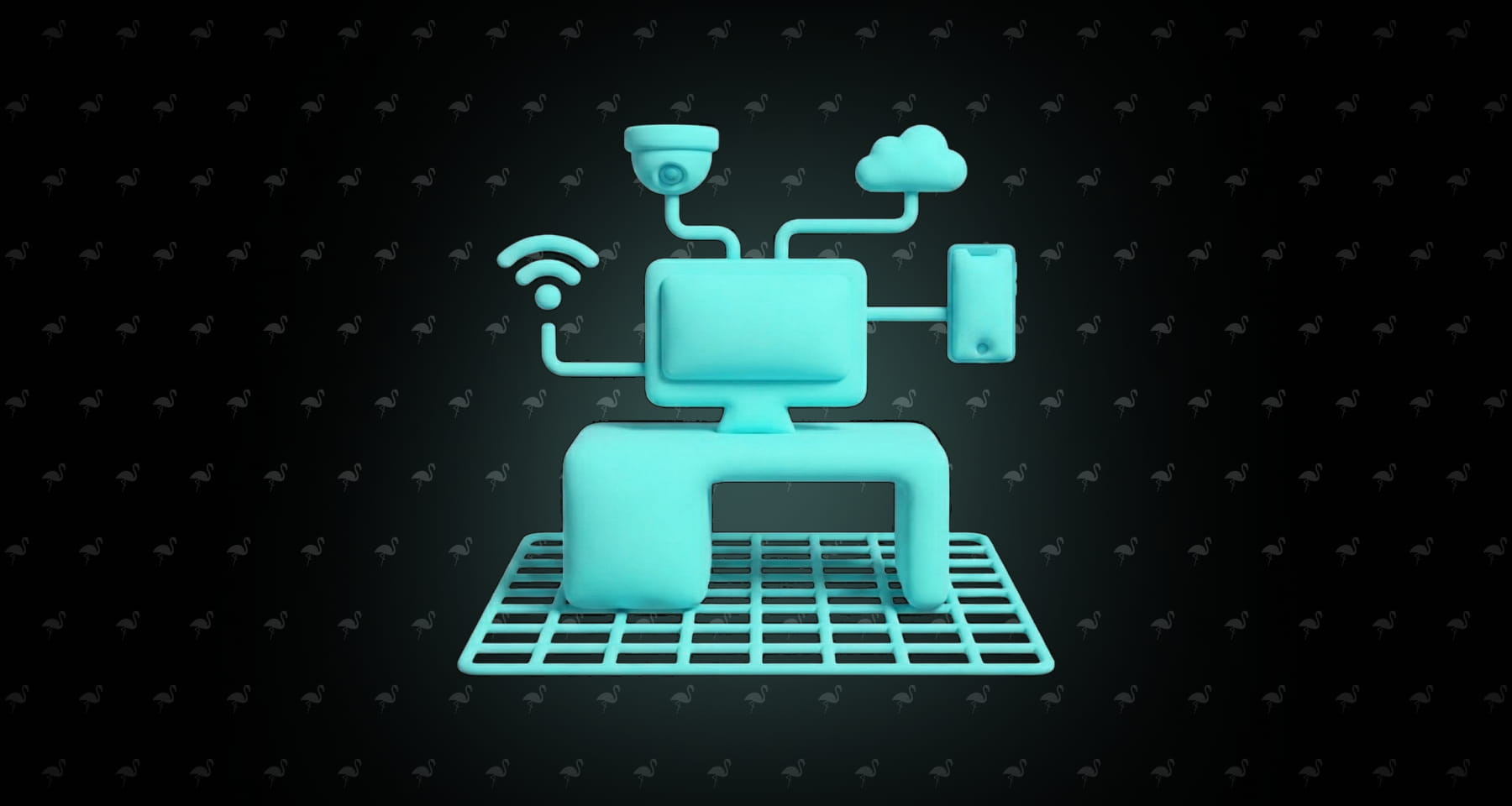
Planning a smart office? Here's the IT infrastructure you need - from network upgrades to IoT security - plus 10 questions to ask your MSP before deployment.
Updated: October 2026
Smart thermostats, automated lighting, video conferencing rooms, occupancy sensors - the idea of a smart office sounds great until your network buckles under the load. The real bottleneck isn't the devices. It's the IT infrastructure underneath them.
Before you buy anything, you need to know what your office network can handle and what your MSP (Managed Service Provider) needs to set up first. This guide covers the five IT requirements for a smart office deployment and the exact questions to ask your provider before you start.
What Makes an Office "Smart"?
A smart office uses connected devices to automate and optimize the physical workspace. Think smart lighting that adjusts based on occupancy, meeting room booking systems, environmental sensors that manage temperature and air quality, IP cameras, smart locks, and voice assistants.
The common thread: every one of these smart office devices needs a network connection, power, security, and ongoing management. That's where your IT infrastructure - and your MSP - come in. Smart building technology only works when the foundation is solid.
5 IT Infrastructure Requirements for Smart Offices
1. Network Bandwidth and Wi-Fi Coverage
Smart office automation depends on a reliable, fast network. Every sensor, camera, display, and booking panel competes for bandwidth alongside your team's laptops and phones.
What you need: Wi-Fi 6 (or newer) access points with full coverage in every room, hallway, and common area. Minimum 1 Gbps internet for offices with 20+ smart devices. Dead zones kill smart office systems - if a sensor can't connect, it's just plastic on the wall.
2. Network Segmentation (VLANs)
VLANs (Virtual Local Area Networks) create separate lanes on your network so your smart thermostat isn't sitting on the same segment as your accounting team's laptops. Sounds obvious, but the default setup at most offices puts everything on one flat network.
Why that's a problem: a compromised IP camera on a flat network gives an attacker a straight path to your file server. On a segmented network, they'd hit a wall. Your MSP should be setting up at least three VLANs: one for employee devices, one for IoT gear, one for guest Wi-Fi. If they're not doing this already, ask why.
3. Power over Ethernet (PoE)
PoE lets you power devices through the same Ethernet cable that gives them a network connection. One cable for data and power. That means you can mount a camera or access point on a ceiling without running a separate electrical outlet up there, which saves real money on electrician costs.
The catch: your network switches need to support PoE, and not all of them do. A standard 24-port PoE+ switch runs $300 to $800 depending on the brand. Your MSP needs to spec this into the network design before anyone starts mounting hardware. Retrofitting PoE after the fact usually means re-cabling, which is the expensive part.
4. Cybersecurity for IoT
Here's the uncomfortable truth about smart office devices: most of them ship with security as an afterthought. Default passwords that never get changed. Firmware that hasn't been updated since the factory. No encryption on local traffic. A $40 occupancy sensor and a $4,000 IP camera often have the same security posture, which is to say, almost none.
Your MSP should maintain a live inventory of every connected device on the network, push firmware updates on a schedule (not "when someone remembers"), enforce password changes on commissioning, and run network scans that flag unauthorized devices. That last part matters because employees plug in personal devices, visitors connect to the wrong SSID, and occasionally someone's smart speaker from home shows up on the corporate VLAN. If your MSP isn't catching those, nobody is.
5. Cloud and Remote Management
Once you have 30+ connected devices across conference rooms, hallways, and common areas, logging into each one through its own vendor app stops being practical. You need one dashboard where your MSP sees everything: which devices are online, which missed a firmware update, which ones are throwing errors at 3 AM.
Most MSPs use a combination of the RMM (Remote Monitoring and Management) platform they already run for your laptops and servers plus whatever cloud portal the device vendor provides. The good ones unify these feeds so they're not checking six different dashboards. The bad ones lose track of devices until something breaks. Ask your MSP which scenario describes their setup before you hand them 50 new endpoints to manage.
10 Questions to Ask Your MSP Before Deployment
Print this list. Bring it to the scoping call. If your MSP stumbles on more than two, they haven't done a smart office rollout before.
- How many additional devices can our current network handle before we need an upgrade? (Not "can it handle more." How many, specifically.)
- Are you setting up separate VLANs for IoT devices, employee devices, and guest Wi-Fi? (If the answer is "what's a VLAN," walk.)
- How do you inventory and monitor smart devices after deployment? (Not just during setup. The ongoing part is where most MSPs drop the ball.)
- Who handles firmware updates on IoT devices, and how often? (Monthly? Quarterly? "When the vendor emails us"?)
- Where are the Wi-Fi dead zones in our office right now? (If they haven't done a site survey, they're guessing.)
- Do we need PoE switches, and what does that add to the project cost?
- What's your plan if a smart device gets compromised? (Isolate the VLAN? Kill the port? Just reboot it?)
- What happens to the smart systems when the internet goes down? (Some devices fail gracefully. Most don't.)
- Who deals with the device vendors when something breaks under warranty? (You, or them?)
- What's the monthly cost to support these devices after go-live? (Get a number, not a "depends.")
If your MSP can't answer these clearly, they're not ready to support a smart office deployment. For a broader look at evaluating your provider, run a full MSP stack audit. For a deeper look at IT support pricing, see our guide on the cost of IT support for small business.
Basic vs. Advanced Smart Office: What You Need
Not every office needs the full stack on day one. Two tiers, roughly:
| Basic Smart Office | Advanced Smart Office | |
|---|---|---|
| Devices | Smart lighting, conference booking, video displays | + occupancy sensors, access control, environmental monitoring, IP cameras |
| Network | Standard Wi-Fi, shared network | Wi-Fi 6, VLANs, PoE switches, redundant internet |
| Security | Basic firewall + antivirus | Network segmentation, IoT monitoring, EDR |
| Management | Manual / individual vendor apps | Centralized cloud dashboard, MSP-managed |
| Monthly IT add-on | $5-$15/user | $20-$40/user |
Often businesses start at the basic tier and add capabilities as the lease allows. The mistake is skipping the network foundation. If you cheap out on switches and Wi-Fi now, you'll pay double to rip and replace when you want to add cameras or access control in year two. Get the cabling and VLANs right from day one, even if the devices come later.
The Bottom Line
A smart office is only as reliable as the IT infrastructure underneath it. Get the network, security, and management right first - then add the devices. Ask the 10 questions above before you sign off on anything.
For real-world IT operations knowledge from other businesses, check out the OpenMSP community.

Content Marketing Lead
Ohayo! I run content, SEO, social, and community at Flamingo. Before IT, I worked as a correspondent for Ukraine's Public Broadcasting Company and have a Master's in journalism.