
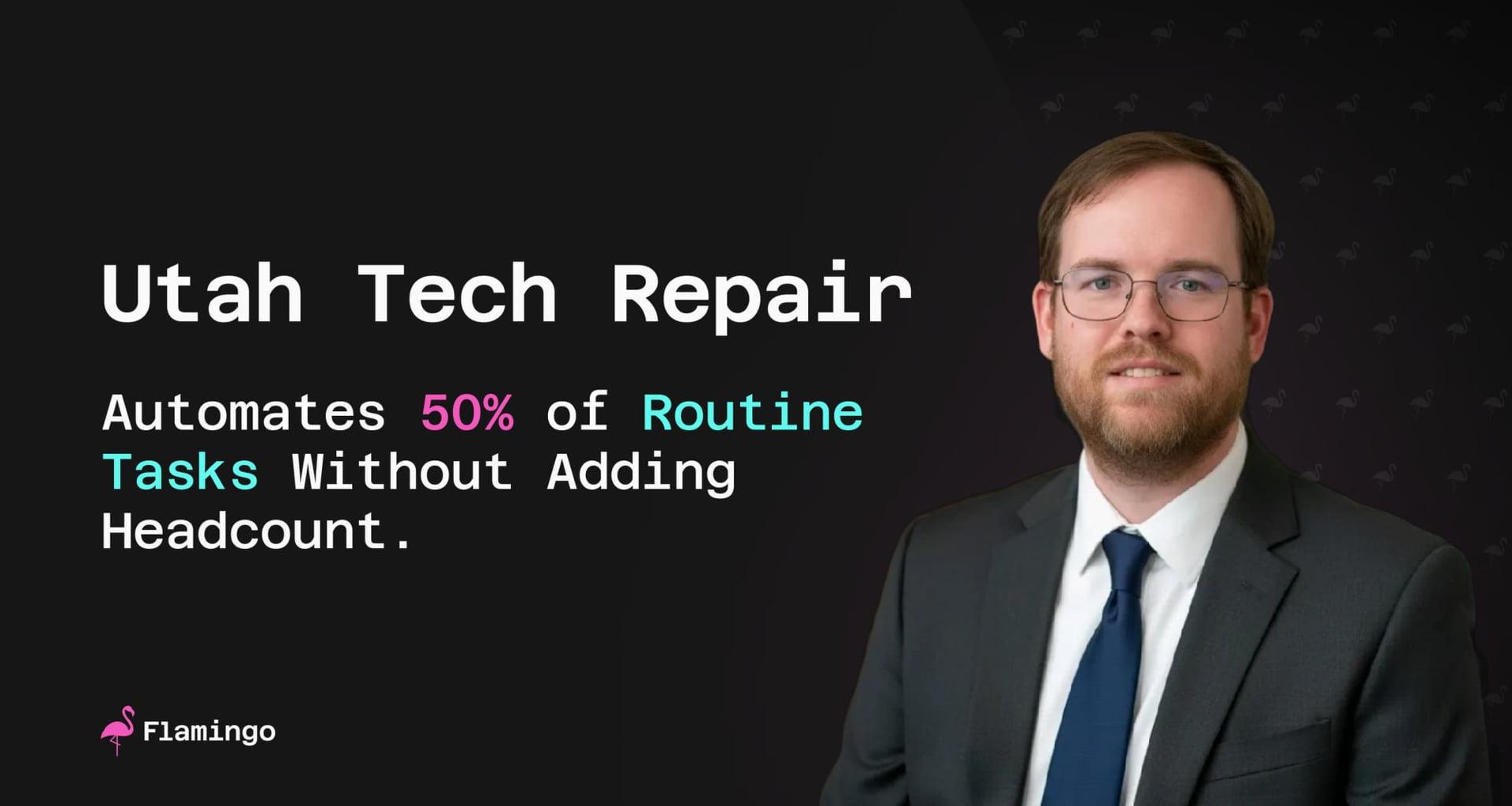
Utah Tech Repair Tests OpenFrame on Its Way From Break-Fix to MSP


1-50
Employees
25
Managed Seats
Summary
Tyson Wilcox runs Utah Tech Repair, a shop that did break-fix work for years before moving into managed services. At the interview in December 2025, it looked after fewer than 25 endpoints across four established clients. The work was mostly keeping workstations updated and monitoring security, with very little backup.
He'd put the OpenFrame agent on one device, his own laptop, to test it before any client saw it. So there are no tickets-closed or hours-saved numbers on this page, because there was nothing to count yet. What he could measure was setup time and response speed, and he had a clear view of what was still missing.
His read at the interview: one PowerShell command, up and running in about 15 minutes, and remote shell commands that went through almost immediately. He rated OpenFrame "about 80% there". The rest was finer policy control and mobile device management, plus the Linux agent he was waiting on.
~15 min
to get up and running, with one PowerShell command
Near-instant
shell commands, vs 5-30 seconds on his current RMM
80%
his own rating; policy controls and mobile missing

Challenge
For a shop Utah Tech Repair's size, every new service started with a bill. Tyson wanted to cover more of each client's technology stack than updates and security monitoring. But each tool came with a minimum spend commitment. In his words: "we need so many to already be on board before we can, you know, pick up another tool because they all have a minimum spend commitment."
So the services stayed narrow. Backup work was very limited, and adding a service like that meant another tool, another minimum spend and more cost. With four established clients, he didn't have the numbers on board to justify it.
His current RMM had its own friction. Commands took a good 5 to 30 seconds to reach a machine, and scripts sometimes took an hour to launch. Then a Facebook ad about breaking away from vendor lock-in caught his eye. What struck him about OpenFrame was the idea of "here's all the tools available to you. Use what you need."
Solution
Tyson started small. He installed the OpenFrame agent on his own laptop and tested it there before deploying to any client. The install was one PowerShell command: copy, paste, and the agent was on. "I think I was up and running in about 15 minutes."
He spent most of his time in remote control and the remote shell, the two tools he used most. He ran the built-in and community scripts rather than writing his own, and they covered what he needed. He also tried file management, which had just shipped. It was the feature he'd been waiting for before adding more devices.
His usage matched a pilot. He kept the dashboard open and spent maybe an hour every couple of days trying things. That's the scope of this case study: one laptop, the tools he used, and his notes on each.
Results
Speed was the first thing he noticed. On his current RMM, commands took 5 to 30 seconds to land. On OpenFrame: "Every script that I've run so far, every, every command I've typed into the... the remote shell has gone through almost immediately." File management was just as quick: "File management is, is beautifully fast and responsive."
Setup was the second. "It's a single PowerShell command. It ran really fast. Very quick and easy deployment." With one device, there are no time-saved or cost numbers to report. Asked how ready OpenFrame was, he said "I'd say it's about 80% there already," and summed it up as "just a general amazing product. I'm very happy with what I'm looking at."
What he still wants is short, and he framed most of it as fine-tuned controls: group policies and required software on new machines, Android and iPhone management alongside computers, a Linux agent for a couple of Linux-heavy use cases, and per-client documentation for network equipment, configurations and passwords. He'd also like Mingo, OpenFrame's AI agent for technicians, to take on the jobs he already scripts, like restarting a stuck print spooler and installing Windows updates, with guardrails so it only installs software a client is licensed for. He wasn't in a hurry: "as long as OpenFrame is full featured and ready to go by the end of next year, I'm most likely going to be making the switch full time to OpenFrame."
Key Quotes · 8
“Deployment is beautifully fast”
Tyson Wilcox
“What really struck me about OpenFrame was the idea of, you know, here's all the tools available to you. Use what you nee”
Tyson Wilcox
“It's a single PowerShell command. It ran really fast. Very quick and easy deployment.”
Tyson Wilcox
“I think I was up and running in about 15 minutes.”
Tyson Wilcox
“Every script that I've run so far, every, every command I've typed into the... the remote shell has gone through almost”
Tyson Wilcox
“File management is, is beautifully fast and responsive.”
Tyson Wilcox
“I'd say it's about 80% there already. It's, it's mostly getting those fine tuned controls in place.”
Tyson Wilcox
“Just a general amazing product. I'm very happy with what I'm looking at.”
Tyson Wilcox
Related Content
Frequently Asked Questions
/case-studies/utah-tech-repair-tests-openframe-break-fix-to-msp
Still deciding?
Ask Mingo answers from our docs and customer stories.